
Download The Backgammon – backgammon, board game, online multiplayer, free game, strategy game, dice game, classic game, multiplayer, casual game, AI opponent, game customization, game management, audio-visual features
Overview
The Backgammon app delivers a refined digital adaptation of the timeless board game, designed for players seeking both casual enjoyment and strategic depth. Available for free on the Windows Store, it supports both offline and online gameplay, offering flexibility for users across different environments. The app serves as a comprehensive platform for enthusiasts of classic strategy games, enabling matches against global opponents or solo practice against a customizable AI.
It is particularly suited for casual gamers, backgammon novices, and experienced players aiming to sharpen their tactics. The developer, Jason K. Menard, has crafted an accessible yet feature-rich experience that preserves the authenticity of traditional backgammon while integrating modern digital conveniences.
Real-world use cases include social play with friends via keyword challenges, competitive ranking through online matches, and skill development through AI practice and game review tools. The app fills a niche in the digital board game ecosystem by combining accessibility with depth, making it a valuable tool for both entertainment and learning. Although the developer did not provide additional technical details, the app’s enduring presence since its 2014 release suggests a stable and functional design.
Key Features & Functionality
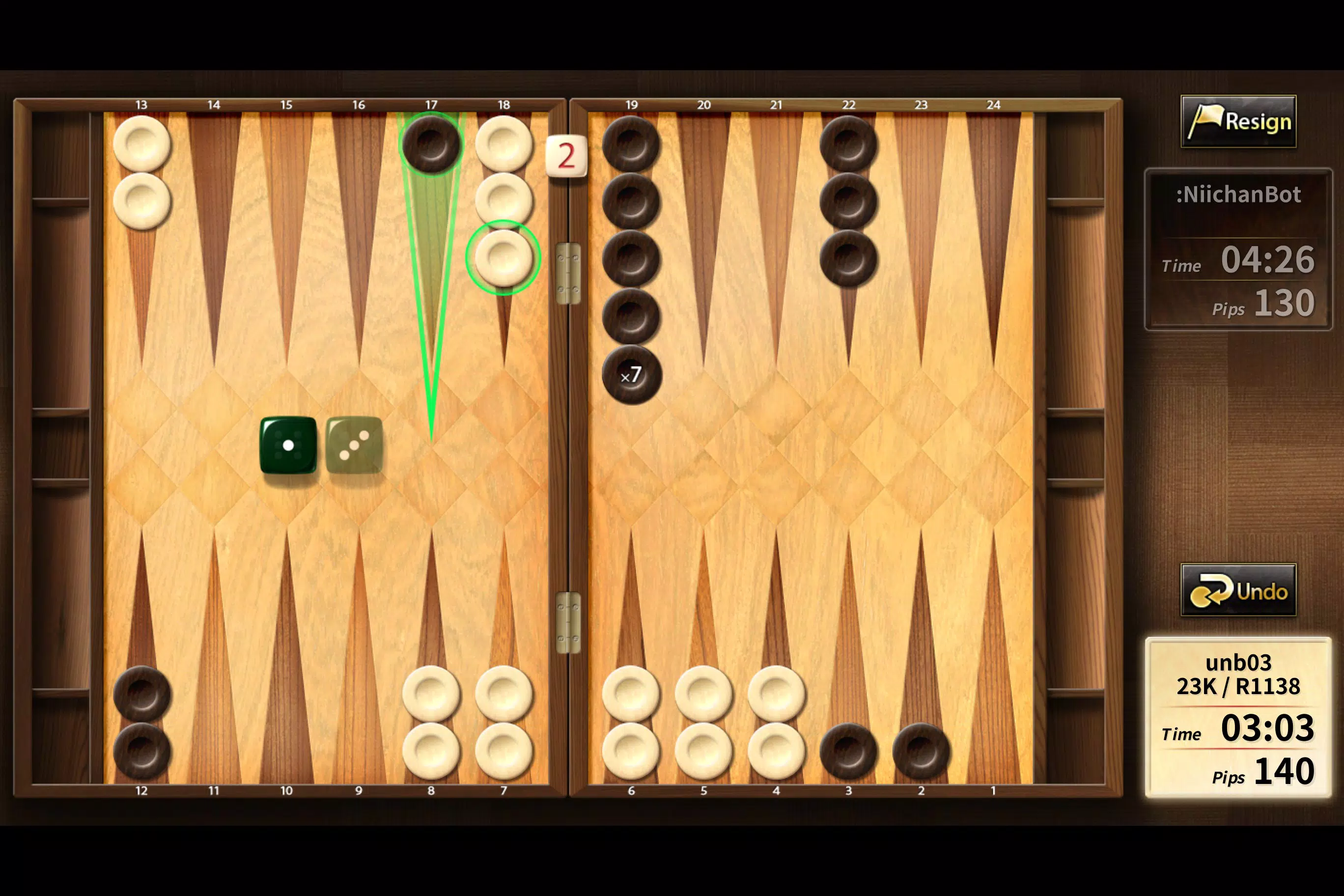
- Global Online Play: Players can connect with backgammon enthusiasts worldwide, participate in rated matches, and track their progress through a ranking table. The ability to watch live games adds a spectator element, enriching the community experience.
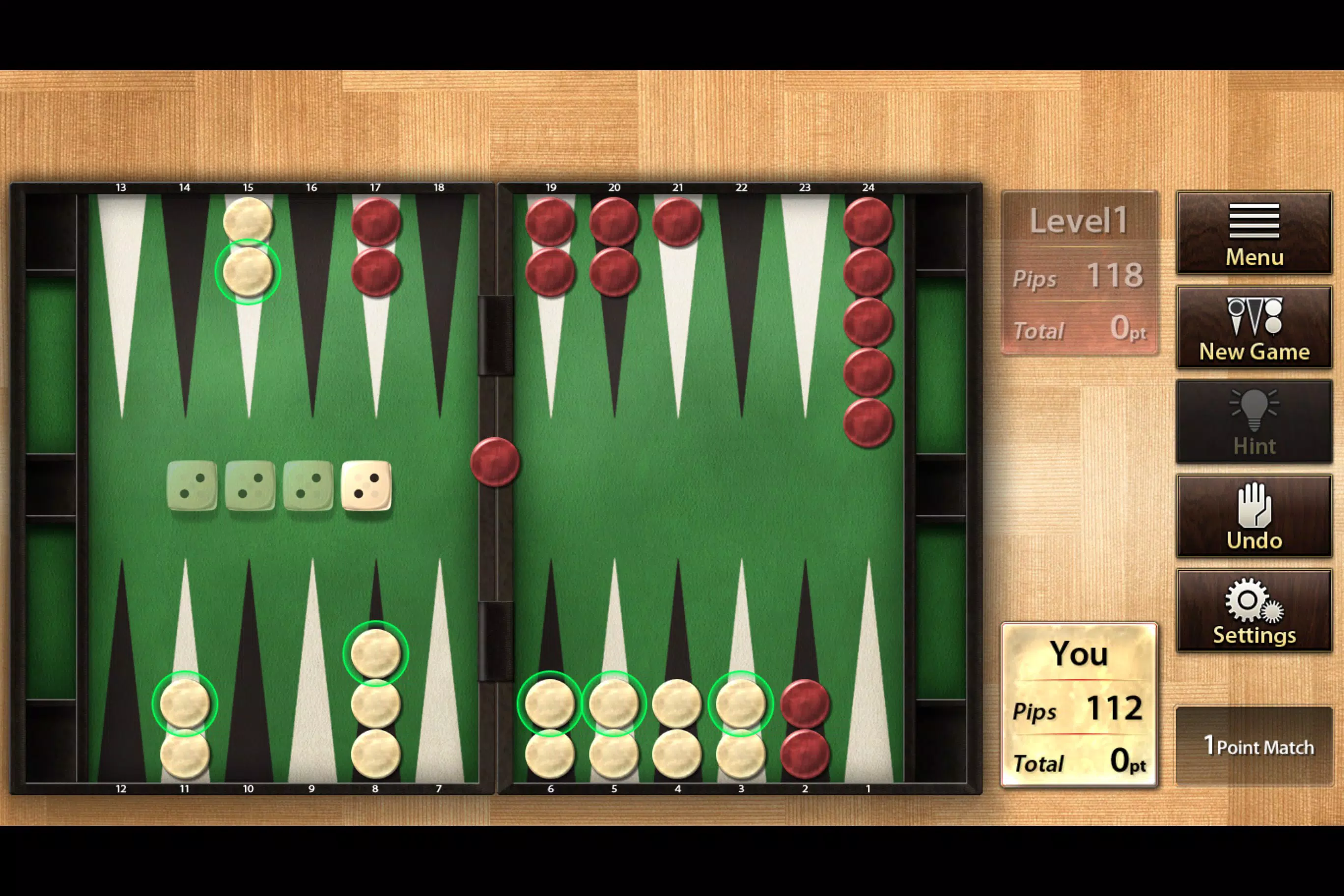
- Five AI Difficulty Levels: From beginner to expert, the AI opponent adapts to the player’s skill level, offering a scalable challenge for players at all stages of development.
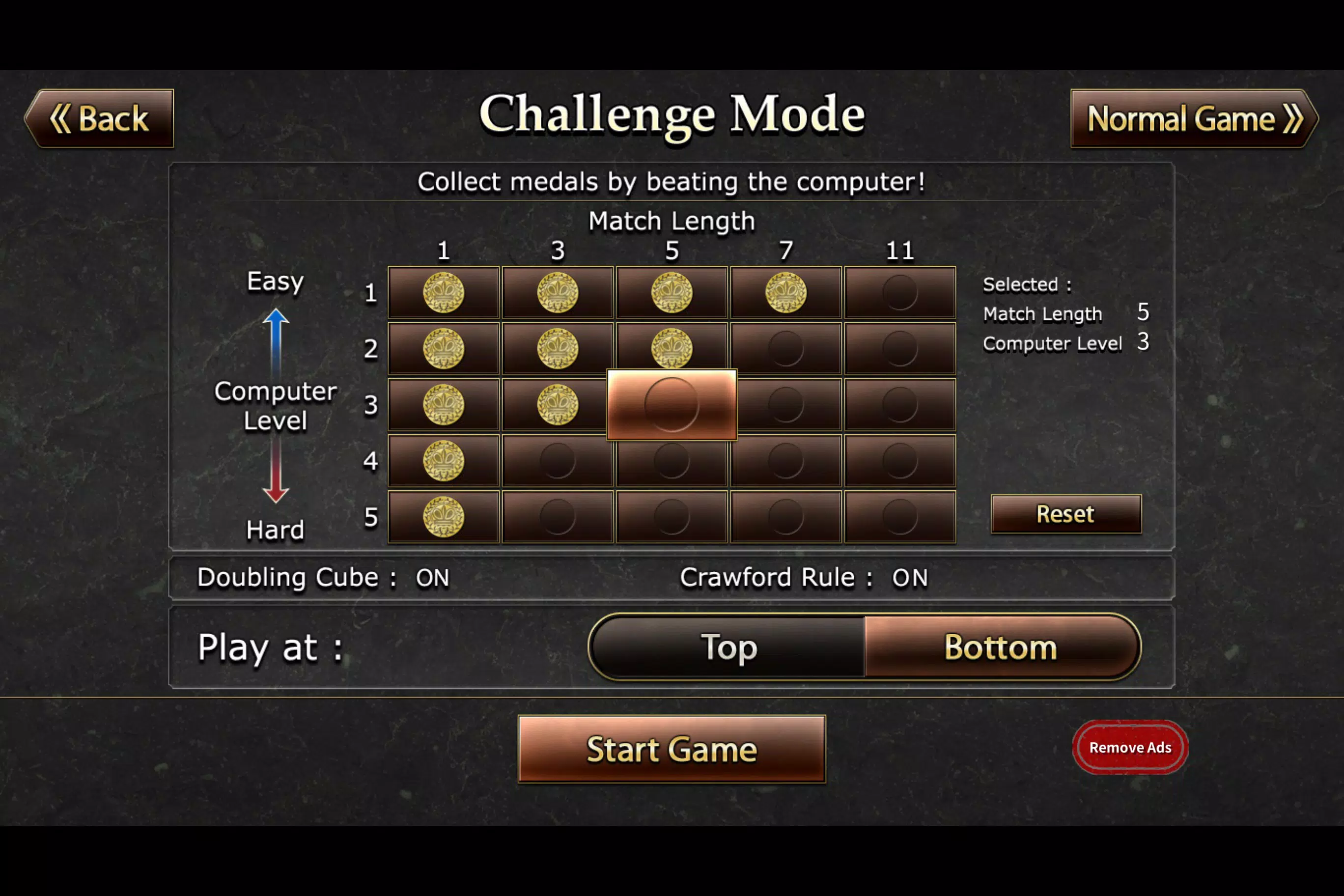
- Match Customization: Users can adjust match length, enable the doubling cube, and apply the Crawford rule, allowing for personalized gameplay that aligns with individual preferences and strategic goals.
- Game Management Tools: Features such as saving and loading games, autosave functionality, and post-game review help users analyze their decisions, track dice roll patterns, and improve long-term performance.
- Audio-Visual Customization: Background music, sound effects, adjustable animation speeds, and manual dice input options allow players to tailor the sensory experience to their liking, enhancing immersion and control.
These features collectively support a dynamic and engaging experience. For instance, a beginner can use the lowest AI setting to learn the rules and mechanics, while an advanced player might use the Crawford rule and double cube in a high-stakes match. The game management tools are especially useful for those who want to study their gameplay patterns and refine their strategies over time.
Interface, UX & Performance
The app’s interface is designed with clarity and functionality in mind, presenting the backgammon board in a clean, intuitive layout. Navigation is straightforward, allowing users to access game modes, settings, and match history with minimal effort. Visual elements are consistent with the classic game’s aesthetic, with well-defined pieces and board markings that ensure readability even on smaller screens.
The user experience is enhanced by customizable animation speeds and the option to toggle manual dice input, giving players control over pacing and interaction. Although the developer did not list formal performance metrics, the app’s lightweight size of 4.5 MB suggests efficient resource usage. It is expected to operate smoothly on a range of Windows devices, including tablets and desktops.
Responsiveness appears reliable, with minimal lag during gameplay and transitions between screens. Stability is supported by the app’s long-standing presence on the Windows Store, indicating consistent updates and maintenance. However, specific requirements for device compatibility were not disclosed.
Platform Compatibility & Technical Requirements
The Backgammon is available exclusively on the Windows Store, indicating compatibility with devices running Windows operating systems. The current version is 1.0.11, with a file size of 4.5 MB, making it a lightweight download suitable for users with limited storage. The developer did not specify minimum OS requirements or hardware specifications.
As such, compatibility with specific Windows versions (e.g., Windows 10, Windows 11) or device types (e.g., tablets, desktops) remains unconfirmed. The app is free to download and install, with no in-app purchases or subscription fees reported. Users should ensure their device supports the Windows Store ecosystem and has sufficient permissions to install third-party apps from the platform.
The lack of detailed technical information means users may need to test installation on their specific device to confirm functionality.
Pros and Cons
Pros
- Free to download and use with no hidden costs.
- Offers both online multiplayer and offline AI gameplay.
- Five adjustable AI difficulty levels for all skill levels.
- Extensive customization options for match rules and settings.
- Game saving, autosave, and post-match review tools for learning and analysis.
- Customizable audio-visual settings for enhanced immersion.
Cons
- Platform availability is limited to the Windows Store only.
- Specific system requirements and compatibility details were not provided.
- No information on update frequency or long-term support.
- Limited to Windows-based devices; not available on Android or iOS.
- No visible social features beyond direct friend challenges via keyword.
FAQ
Is The Backgammon available for Android or iOS?
The app is currently available only on the Windows Store. There is no official version for Android or iOS devices.
Can I play The Backgammon offline?
Yes, the app supports offline play against the AI opponent, allowing users to enjoy the game without an internet connection.
Is the app secure to download and install?
As the app is published on the official Windows Store, it undergoes Microsoft’s security review process. It is considered safe for installation on compatible devices.
How often is The Backgammon updated?
The developer did not disclose update frequency. However, the app has remained available since its 2014 release, suggesting ongoing maintenance.
Can I customize the game rules and match length?
Yes, players can adjust match length, enable the doubling cube, and apply the Crawford rule to tailor gameplay to their preferences.
Final Thoughts
The Backgammon stands out as a well-rounded digital version of a classic board game, balancing accessibility with strategic depth. Its free model, robust AI system, and extensive customization options make it ideal for both newcomers and seasoned players. The inclusion of game management tools and post-match analysis supports continuous learning, turning each session into a growth opportunity.
While platform limitations restrict access to Windows users only, the app delivers a polished experience within its scope. For those seeking a reliable, feature-rich backgammon experience on a Windows device, The Backgammon offers excellent value. Download The Backgammon now


